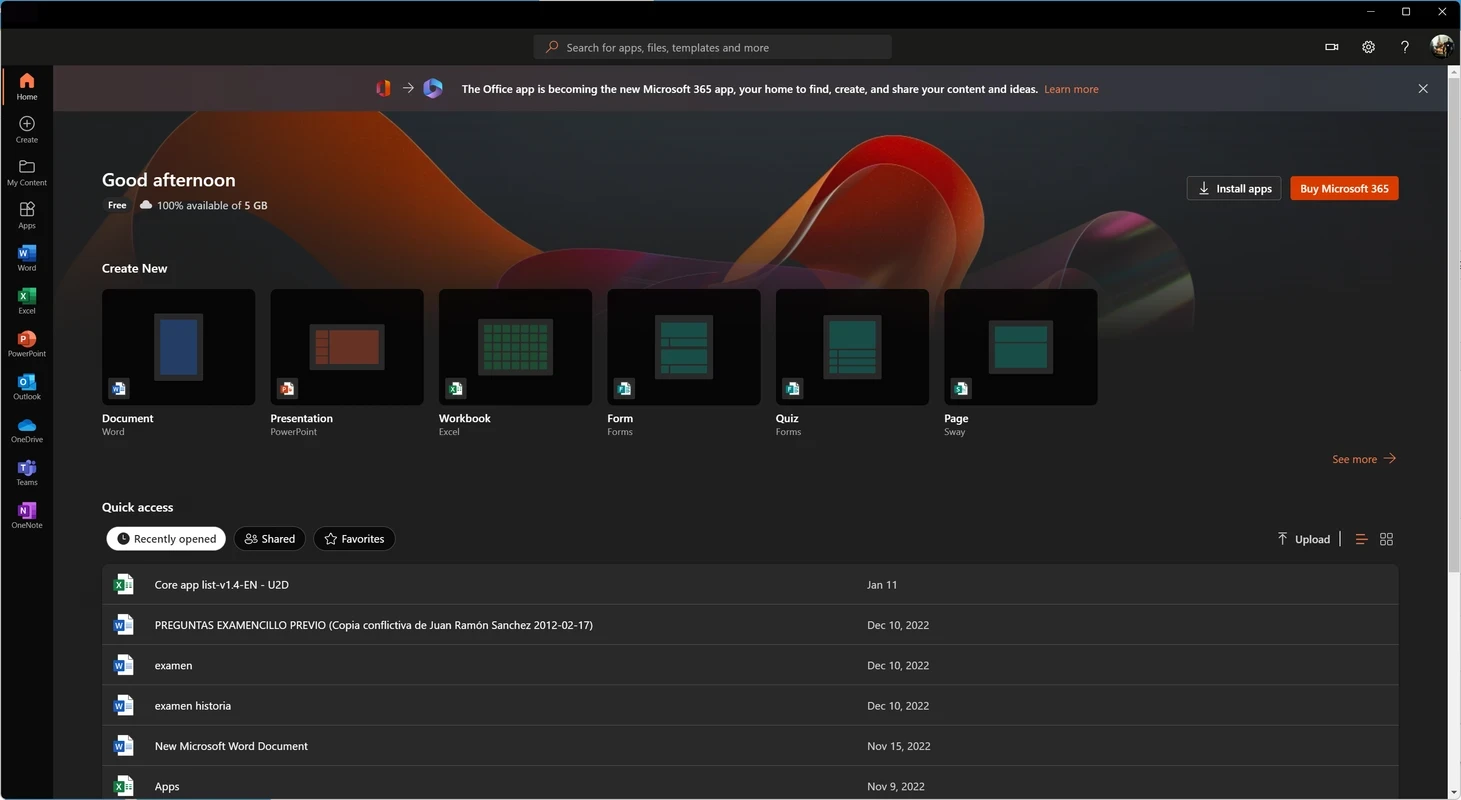
Microsoft 365 Office (UWP) 2026.819.1427.0 for Windows is Microsoft's hub app for its office tools on a PC. It is free to install and gives you one starting point to open recent files, launch the web versions of the apps and download the full Microsoft 365 apps; here are the key facts and a short guide.
Quick facts
| Item | Details |
|---|
| App | Microsoft 365 Office (UWP) |
| Developer | Microsoft Office |
| Version | 2026.819.1427.0 |
| System | Windows |
| App type | Universal Windows Platform (UWP) |
| Price | Free app; full Office apps need a Microsoft 365 plan |
| Package size | about 284.89 MB according to catalogue data |
| Updated | August 2026 |
What the app is for
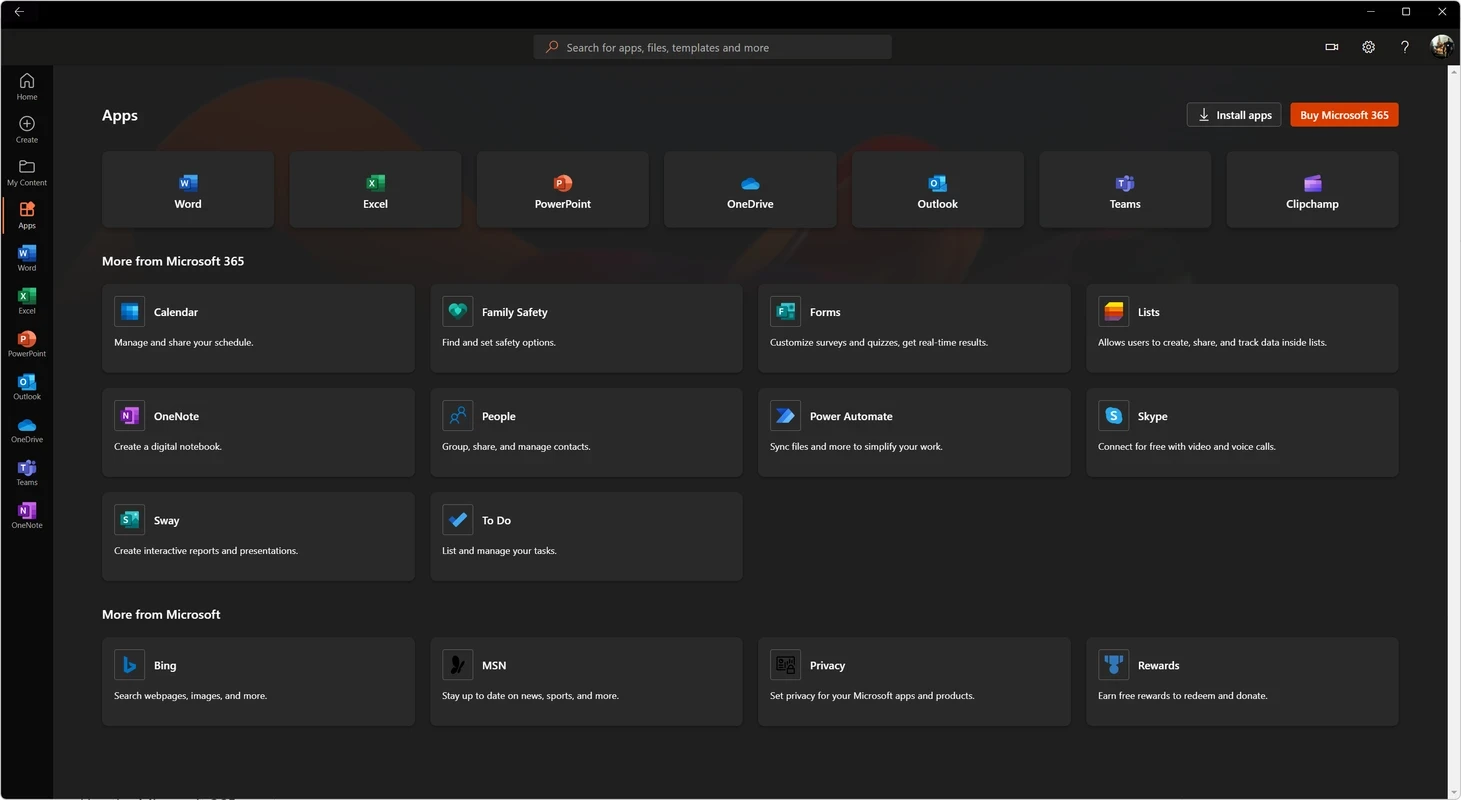
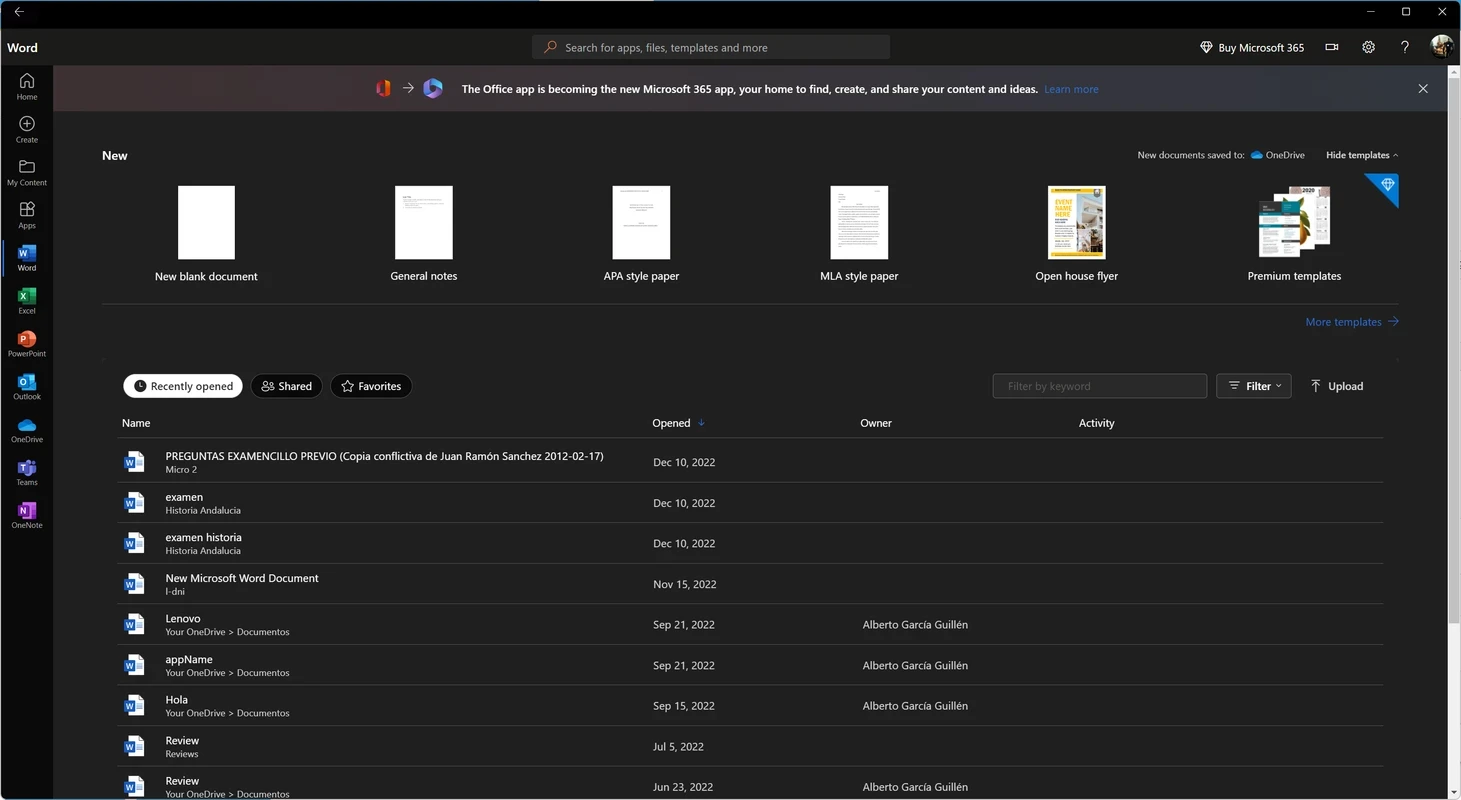
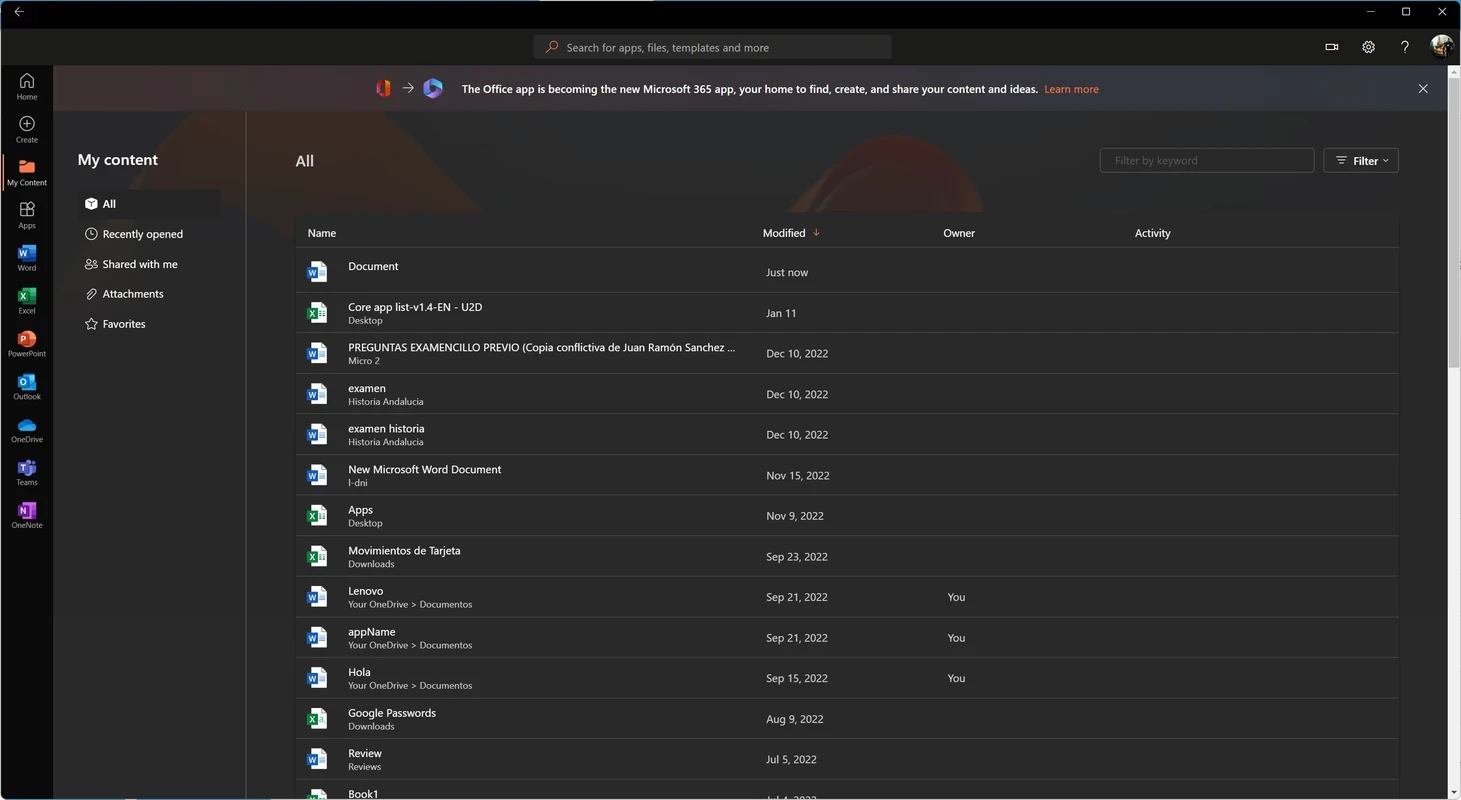
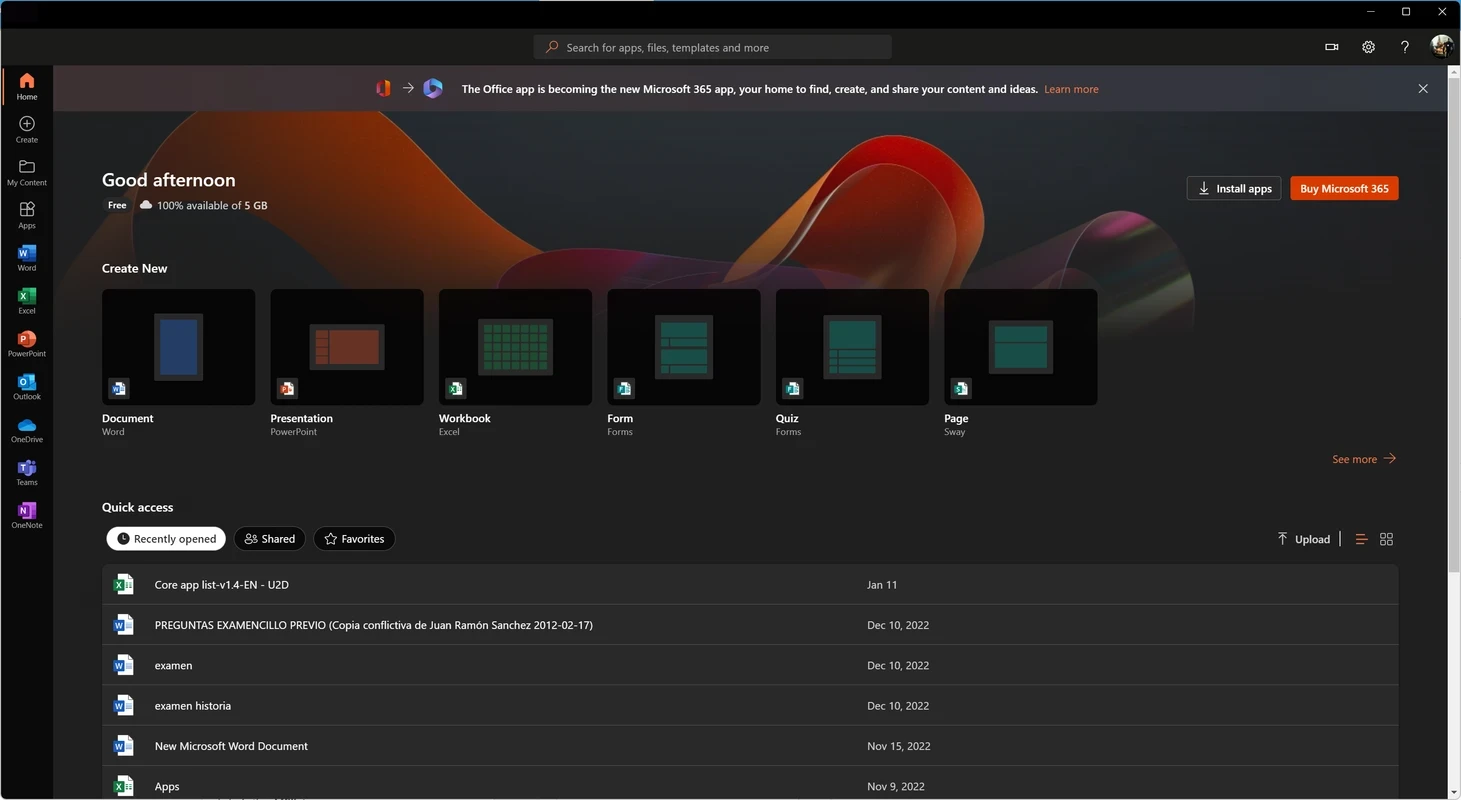
This app is not Word or Excel itself. It is a launcher and dashboard: after you sign in, it lists your recent documents from all Microsoft 365 apps, lets you search your files, and opens them either in the web versions, which are free with a Microsoft account, or in the desktop apps if you have them installed. For subscribers it is also the easiest route to install the full Office apps on the PC. Because it is a UWP app, it updates through Windows like other store apps. People who only need to view or lightly edit documents can get quite far with it and the web apps, without buying anything; those who work with documents every day will want the desktop programs that come with a plan.
How to download Office
- Open Microsoft's official download Office page.
- Sign in with the Microsoft account linked to your plan, or with a work or school account.
- Choose Install apps and run the installer it provides.
- Open the hub app or any Office app and sign in to activate.
Safety checklist
- Download Office only from microsoft.com or the Microsoft Store.
- Stay away from key generators and "free Office" activators; they are a leading source of malware.
- Use two-step verification on your Microsoft account.
- Keep macros disabled in files from unknown senders.
Staying up to date
Microsoft publishes the update history for Microsoft 365 Apps, listed by date. Leave automatic updates on so security fixes arrive without effort.
Who benefits most
The hub app is most useful for subscribers with several devices, because it gathers files from everywhere in one list, and for students or employees whose organisation provides Microsoft 365. Occasional users can treat it as a free doorway to the web apps. If you already work comfortably from File Explorer and the desktop apps, you can skip it without losing anything.
Pros and cons
- Pro: one place for recent files from all Office apps.
- Pro: free, with access to web apps.
- Pro: simple route to install the desktop apps.
- Con: the full apps require a subscription.
- Con: the name confuses many users who expect Word itself.
Alternatives
Other office software in our listings: LibreOffice and WPS Office as free suites, and the single apps Microsoft Word, Microsoft Excel and Microsoft PowerPoint.